
Most indie hackers spend the majority of their day inside a browser.
Shipping products, debugging APIs, testing UI changes, researching competitors, replying to users, and managing infrastructure often happen across dozens of tabs at the same time.
Good browser extensions remove friction from those workflows without adding unnecessary complexity.
This list focuses on lightweight, developer-friendly browser tools that are actually useful in daily work.
Wappalyzer
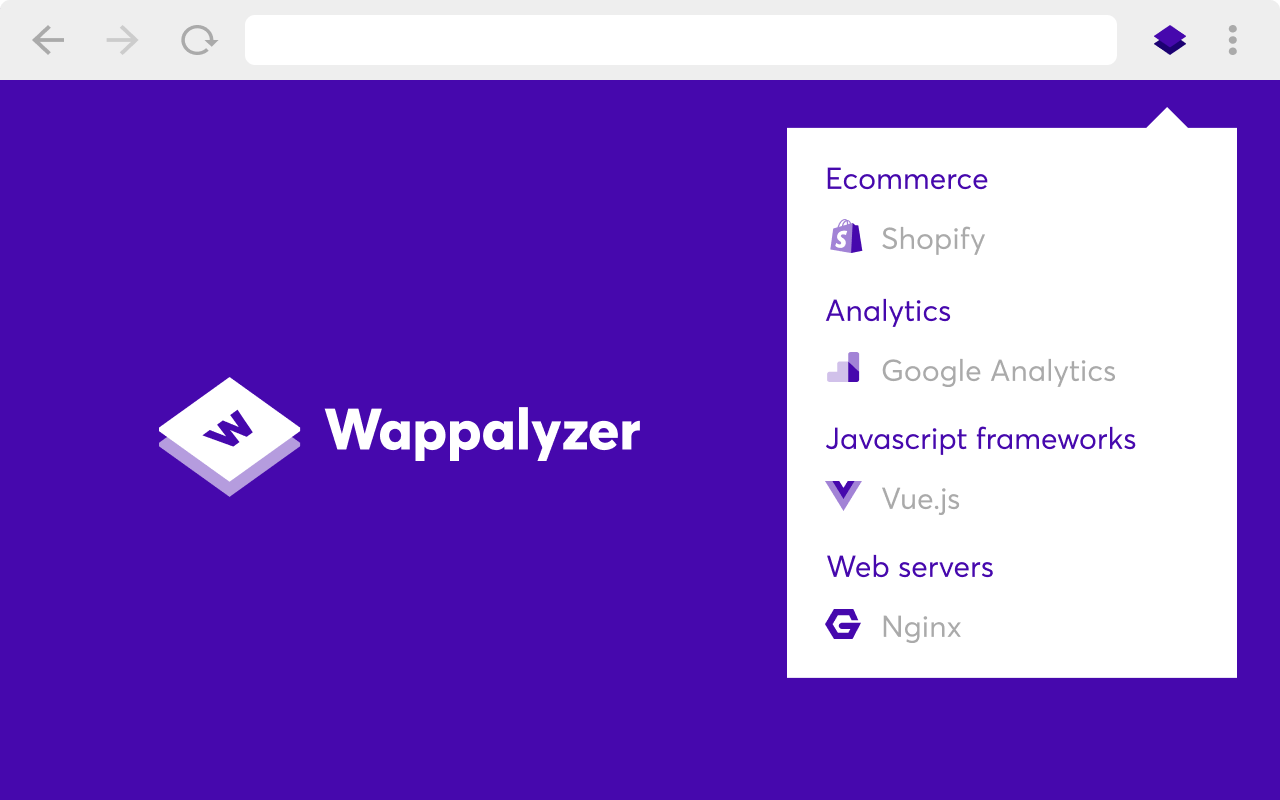
Wappalyzer is one of the most useful tools for researching modern products and SaaS companies.
It can identify frontend frameworks, analytics providers, payment systems, hosting platforms, JavaScript libraries, and backend technologies running behind a website.
For indie hackers, this is incredibly useful when analyzing competitors or discovering how certain products are built.
Why It Stands Out
Instead of manually inspecting source code or network requests, Wappalyzer gives a fast overview of a product's technology stack directly from the browser.
This makes it especially valuable for:
- competitor research
- SaaS discovery
- frontend analysis
- infrastructure inspiration
Website: https://www.wappalyzer.com
VisBug
VisBug turns the browser into a lightweight visual design playground.
It allows developers and designers to inspect spacing, typography, layouts, and CSS directly on live pages without touching production code.
Why It Stands Out
VisBug feels much faster and more visual than traditional browser devtools for quick UI experiments.
It works particularly well for:
- frontend debugging
- spacing adjustments
- typography inspection
- layout testing
- rapid UI iteration
For indie developers handling both design and frontend work, this can significantly speed up visual refinement workflows.
Website: visbug.web
Vimium
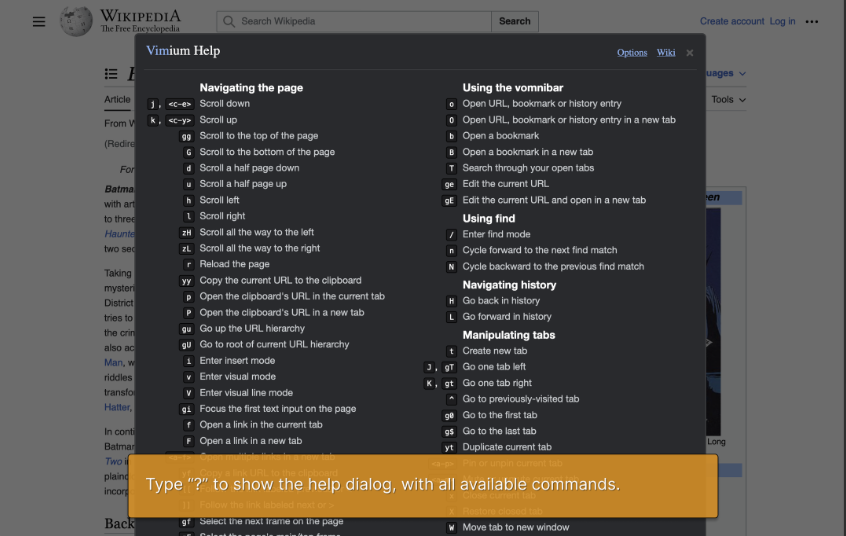
Vimium brings keyboard-first navigation to the browser.
Instead of constantly switching between mouse and keyboard, developers can open links, switch tabs, scroll pages, and navigate websites entirely from the keyboard.
Why It Stands Out
At first, Vimium feels unusual.
But after a few days of usage, browser navigation becomes noticeably faster and more focused.
This is especially useful for developers who already spend most of their time in terminals or editors like Vim and Neovim.
Vimium works best for:
- keyboard-heavy workflows
- research sessions
- tab management
- reducing context switching
Website: https://vimium.github.io
ModHeader
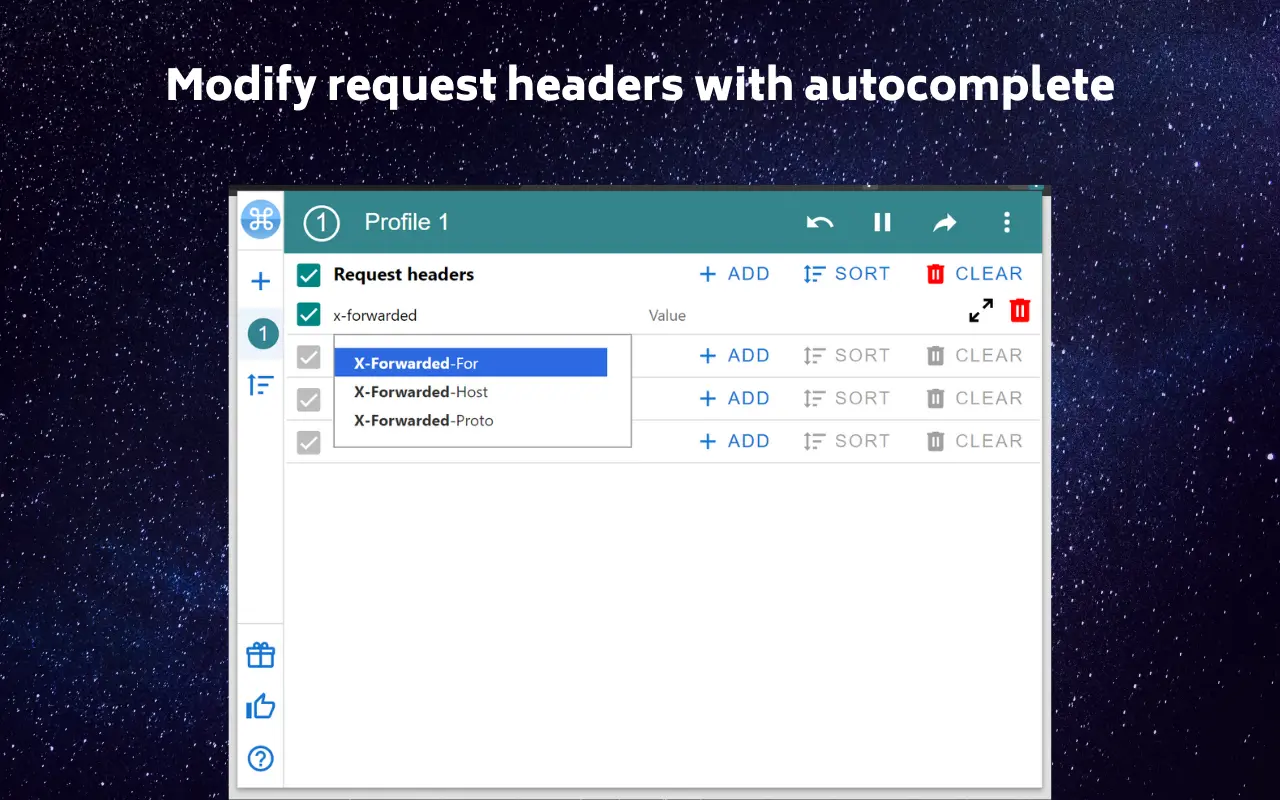
ModHeader is a lightweight browser extension for modifying HTTP headers and testing API requests directly inside the browser.
For developers working with authentication, CORS, staging environments, and API debugging, it can save a significant amount of time.
Why It Stands Out
Instead of setting up temporary proxies or modifying backend configurations, ModHeader allows developers to quickly inject and manage request headers from the browser.
This is especially useful for:
- API testing
- authentication debugging
- CORS troubleshooting
- staging environment workflows
- frontend development
The interface stays simple and focused without trying to become a full API platform.
Website: https://modheader.com/
uBlock Origin
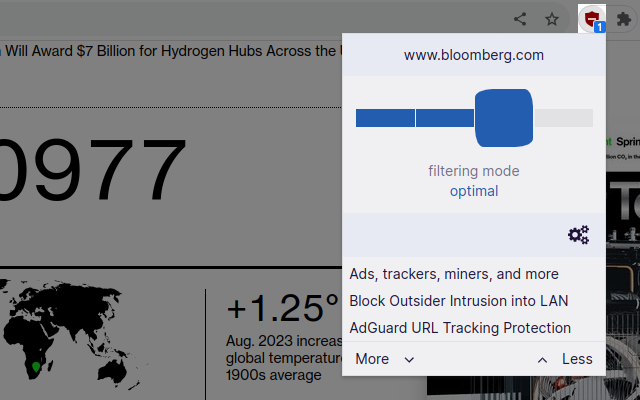
uBlock Origin remains one of the best browser extensions for reducing distractions and improving browsing performance.
It blocks ads, trackers, popups, and many unnecessary scripts that slow down websites.
Why It Stands Out
For developers, cleaner browsing often means better focus.
uBlock Origin also reduces unnecessary network requests, making many websites feel noticeably faster.
Unlike many ad blockers, it stays lightweight and efficient even with large filter lists enabled.
It works especially well for:
- distraction reduction
- cleaner browsing
- faster page loading
- privacy improvement
Website: https://ublockorigin.com
Final Thoughts
The best browser extensions are usually the ones you barely notice.
Small workflow improvements compound over time, especially for solo developers managing design, development, marketing, and operations alone.
A lightweight browser setup focused on speed, clarity, and minimal friction is often more valuable than installing dozens of extensions that rarely get used.
For most indie hackers, a small collection of focused tools is enough to dramatically improve daily workflows.