


What makes Spotit interesting
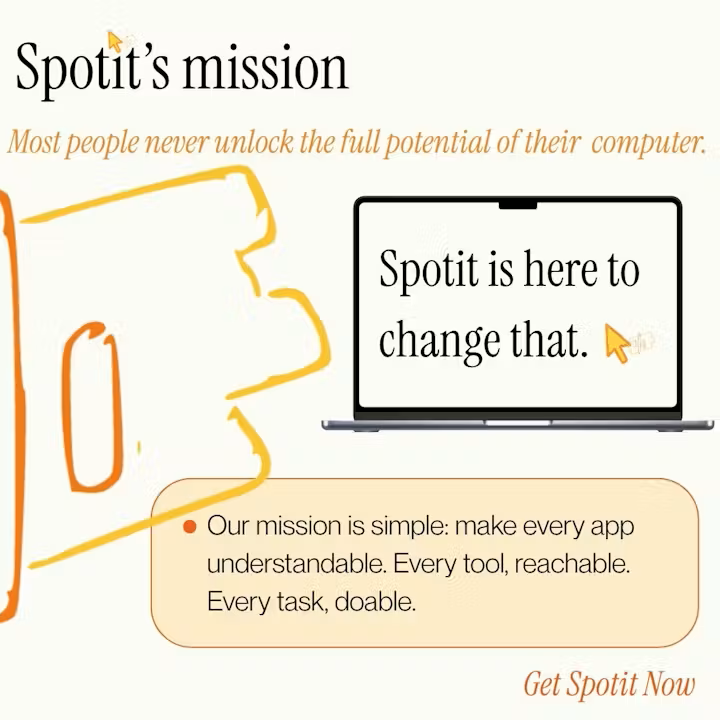
A lot of AI desktop assistants try to automate tasks for you. Spotit focuses more on teaching.
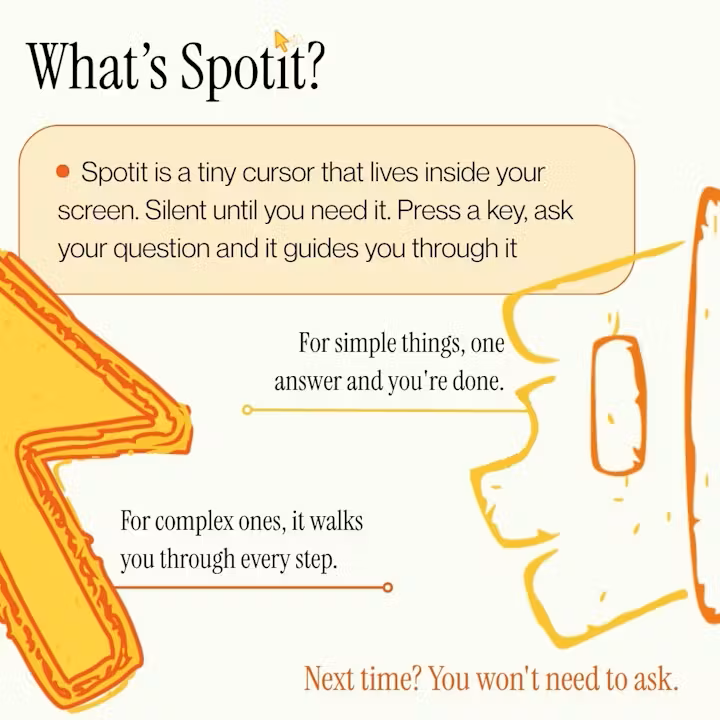
You press a key, ask something like “how do I mask a layer in Photoshop?”, and the app visually guides you through the process one step at a time by highlighting what to click next on your Mac.
The important part is that you still perform the actions yourself. The product is designed so users gradually learn the workflow instead of becoming dependent on automation.
That makes Spotit feel less like a chatbot and more like an interactive layer on top of existing software.
Instead of opening documentation, searching YouTube tutorials, or switching between tabs while trying to follow instructions, the guidance happens directly inside the app you’re already using.
Particularly useful for * Complex creative software * Apps with crowded interfaces * Occasional workflows that are easy to forget * Users learning new professional tools
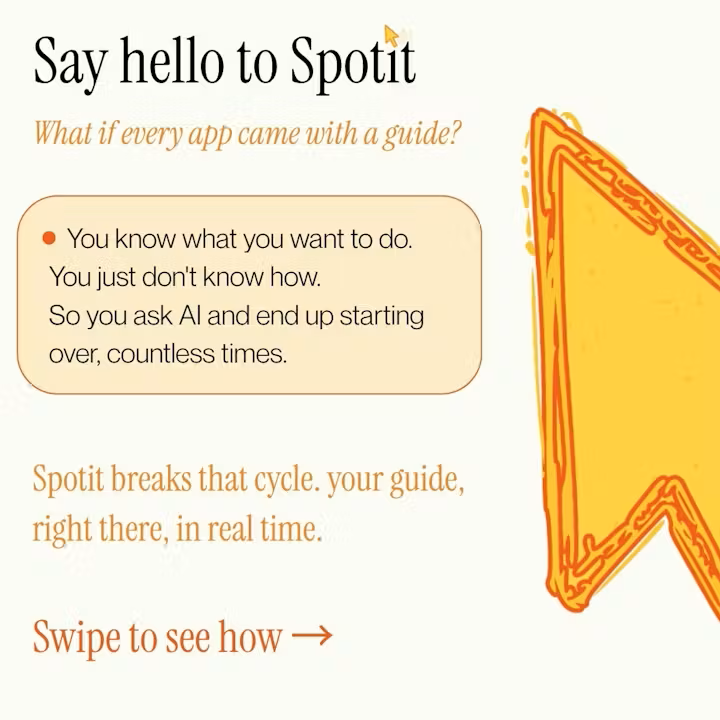
The concept is simple, but it solves a very common frustration: knowing what you want to do, but not knowing where the next click is.