


Creating professional-looking screen recordings often requires more than simply hitting the record button. Smooth cursor movement, zoom effects, motion graphics, and visual polish usually involve additional editing tools and a significant amount of post-production work. ScreenSmooth is built to automate much of that process.
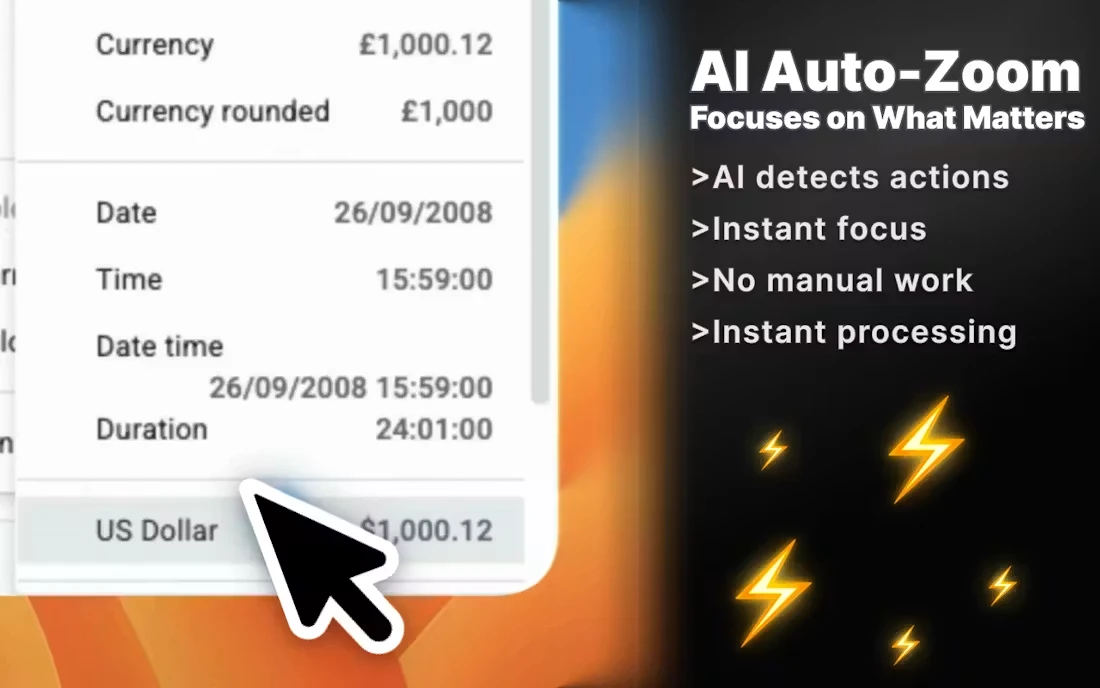
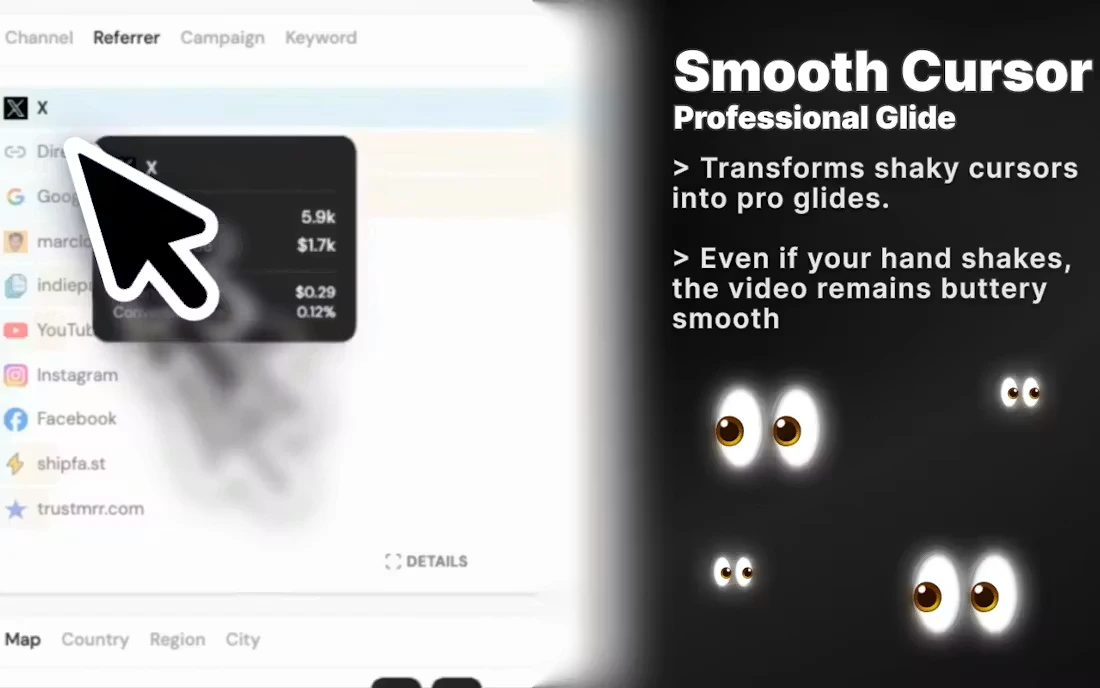
The platform takes raw screen recordings and enhances them with a collection of visual effects designed to make demonstrations, tutorials, and product showcases feel more polished. Mouse movements become smoother, clicks are automatically emphasized with intelligent zoom effects, and motion blur is applied to transitions and animations to create a more cinematic viewing experience.
ScreenSmooth also adds styled backgrounds and presentation elements around recordings, helping transform simple screen captures into content that feels more suitable for marketing materials, product launches, social media videos, and feature demonstrations.
One of the product's strengths is its accessibility. Because it is available as a Chrome extension, it works across macOS, Windows, and Linux without requiring users to learn complex video editing software. The goal is to reduce the gap between recording a workflow and producing something that looks professionally edited.
For founders, marketers, designers, and developers who regularly create product demos or tutorial content, ScreenSmooth offers a faster path from raw recording to presentation-ready video. Instead of spending hours adjusting animations and editing footage manually, users can focus on communicating their product while the platform handles much of the visual refinement automatically.