


Kuku
Kuku is a native macOS markdown editor built around local-first notes, linked knowledge management, and AI-assisted file workflows.
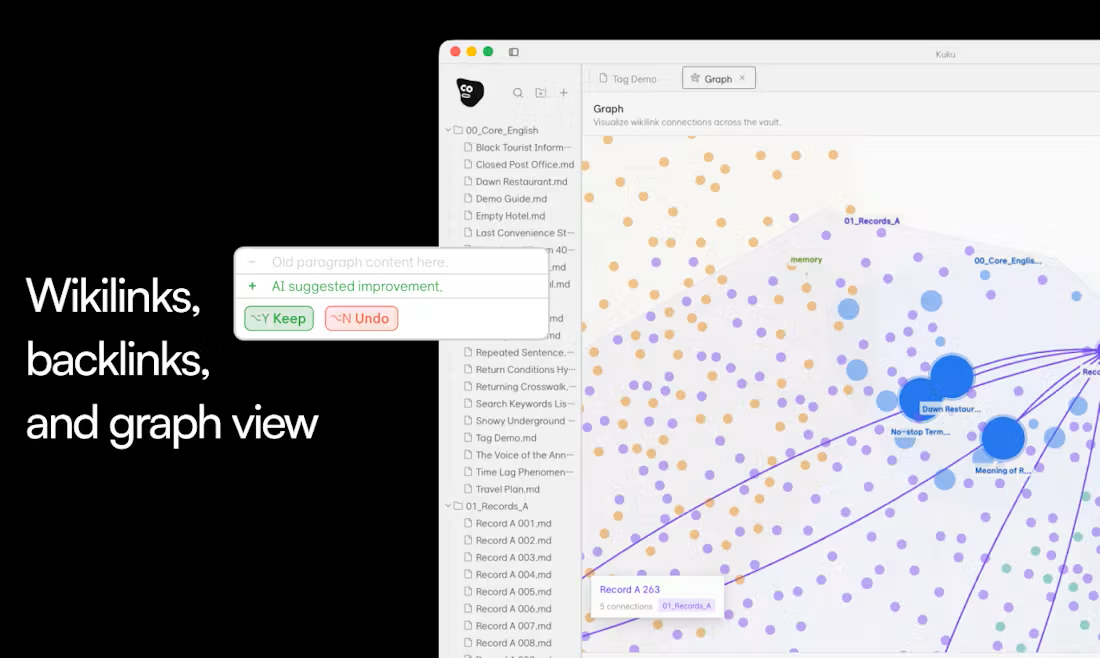
Notes are stored as plain markdown files with support for wikilinks, backlinks, and graph-based navigation, keeping the structure familiar for users coming from tools like Obsidian.
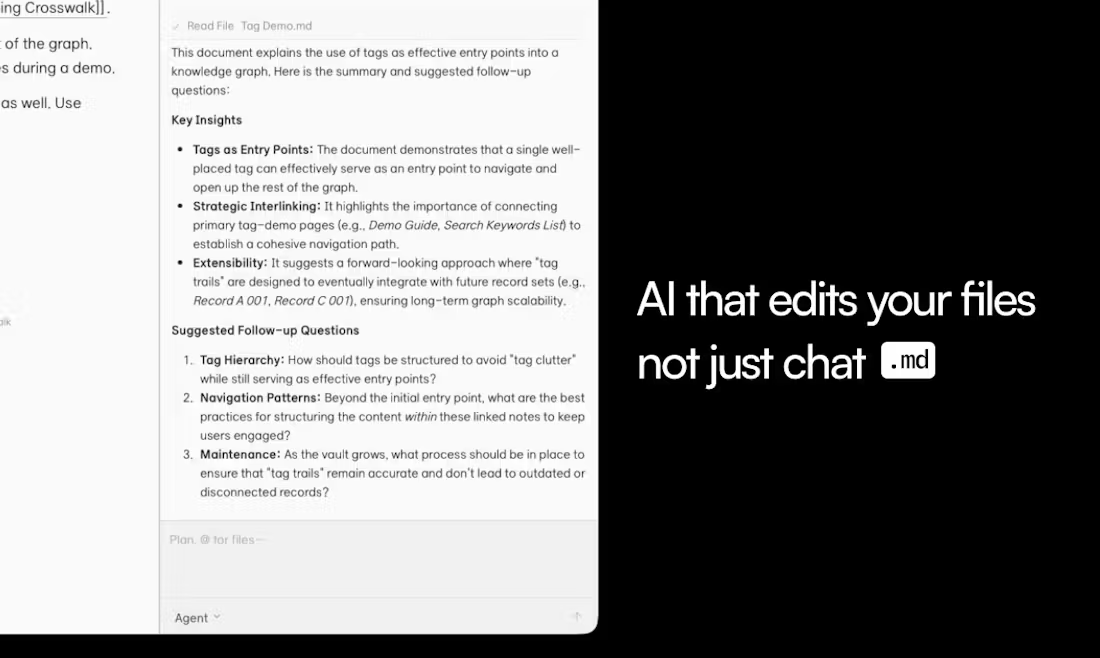
But the bigger focus is how the built-in AI agent interacts with those files.
Instead of acting like a standalone chatbot, the agent can search across notes, edit documents directly, create links between files, and propose changes that can be reviewed through Cursor-style diffs before being applied.
What makes it different
- Native macOS app built with Tauri
- Local-first markdown storage
- Wikilinks, backlinks, and graph view
- AI-assisted note editing and organization
- Reviewable file changes with diff previews
- Offline-friendly workflow without cloud lock-in
The product leans heavily into speed and lightweight desktop performance instead of browser-style Electron workflows.
A lot of AI note tools still treat AI as a separate conversation layer sitting next to your files. Kuku moves closer to the idea of an active workspace assistant that can directly work across your knowledge base while still keeping users in control of every change.