




Koidex
Koidex is a security-focused developer tool designed to answer a very practical question that comes up constantly in modern software development: “Is this actually safe to install?”
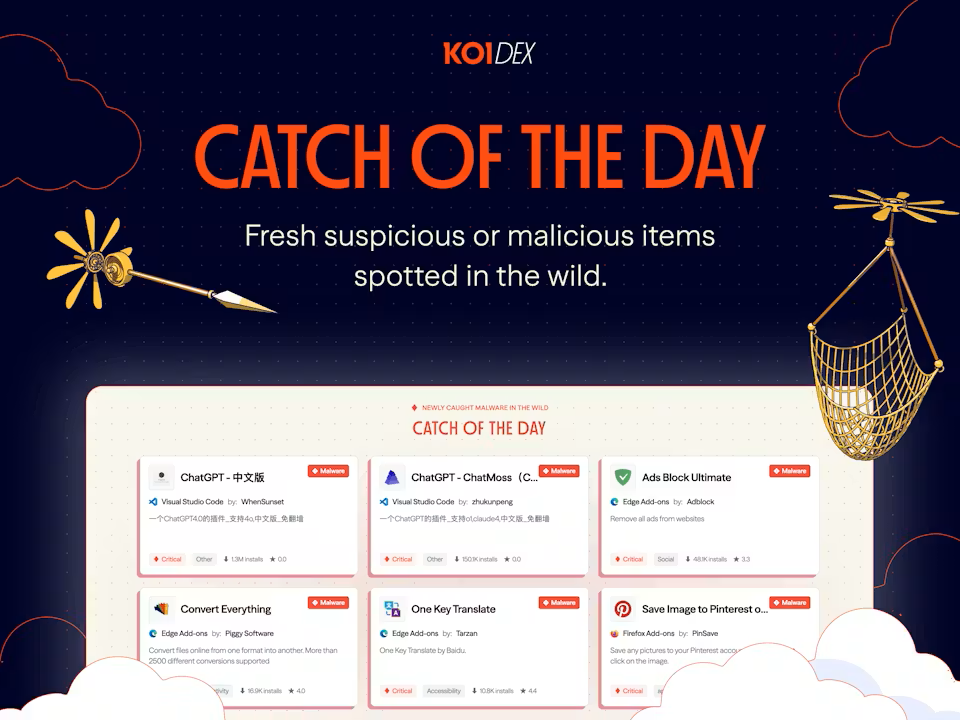
The platform scans and analyzes packages, IDE extensions, and AI models across ecosystems like npm, VS Code, JetBrains, and Hugging Face, helping developers evaluate potential risks before adding new dependencies to their workflow.
Why the product exists
Modern development increasingly depends on third-party code. A typical project may rely on hundreds or even thousands of external packages, extensions, plugins, and AI models, many of which developers install with minimal visibility into who built them or what they actually do.
At the same time, supply-chain attacks, malicious extensions, compromised packages, and unsafe AI tooling have become much more common.
Koidex is built around reducing that uncertainty and making security checks feel lightweight enough to become part of everyday development rather than a separate enterprise process.
How it works
Users can search directly for packages, extensions, and models to quickly evaluate trust signals and potential concerns before installation.
The platform also offers IDE integrations for tools like Cursor and Windsurf, allowing background scanning to happen automatically during development workflows instead of requiring manual checks each time.
The overall experience is designed to feel fast and frictionless rather than audit-heavy.
Where it fits
Koidex sits at the intersection of developer tooling and software supply-chain security. But unlike traditional security products aimed primarily at large organizations, it feels much more focused on individual developers, indie hackers, and small engineering teams that want practical safety signals without complex setup or enterprise overhead.
As AI tooling and third-party dependencies become a larger part of modern development, products like Koidex are increasingly positioned as part of the default development stack rather than optional security add-ons.