


Kodo
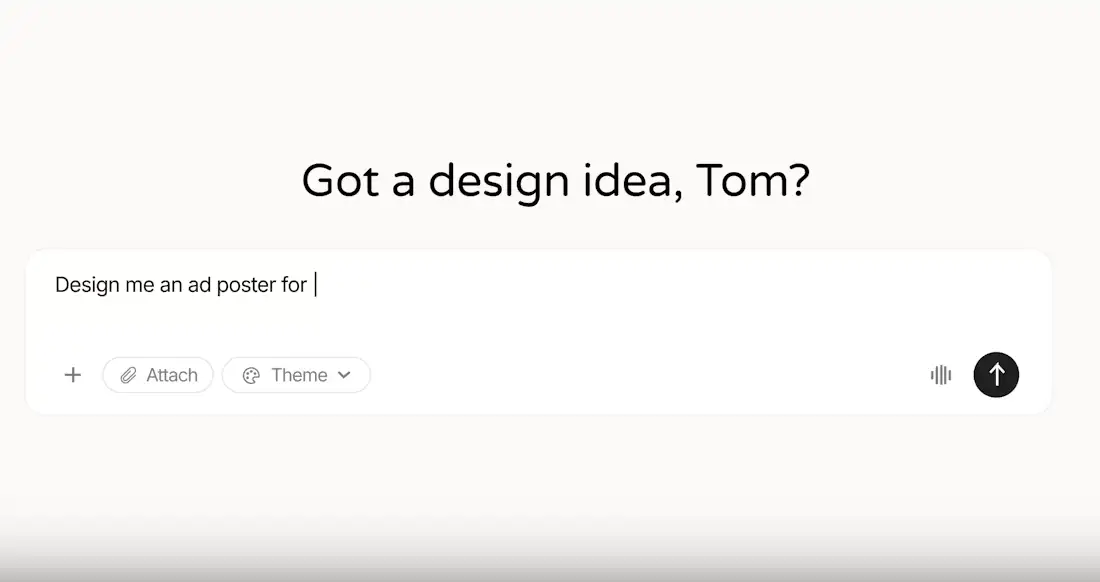
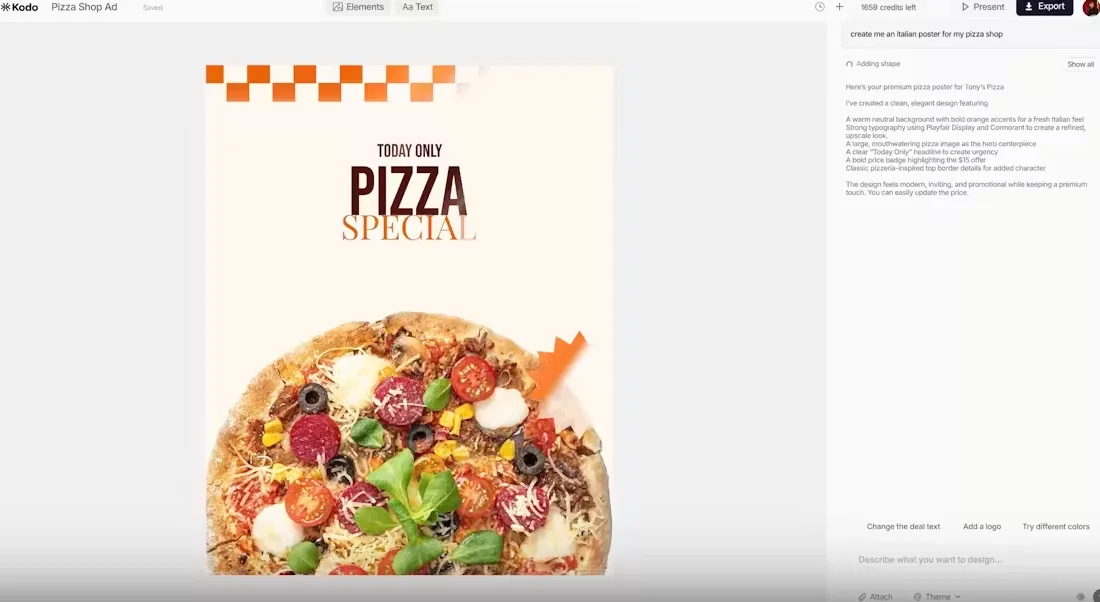
AI design tools usually fall into two extremes: either they generate polished-looking images you can barely edit, or they rely heavily on templates that still require a lot of manual work. Kodo tries to sit in the middle by generating visuals from prompts while keeping the entire design editable afterward.
A user can describe a poster, presentation slide, menu, or social graphic in plain language, and Kodo produces a structured layout where text, colors, spacing, and components remain adjustable. The output behaves more like an actual design project than a flattened AI image.
Why the editable part matters
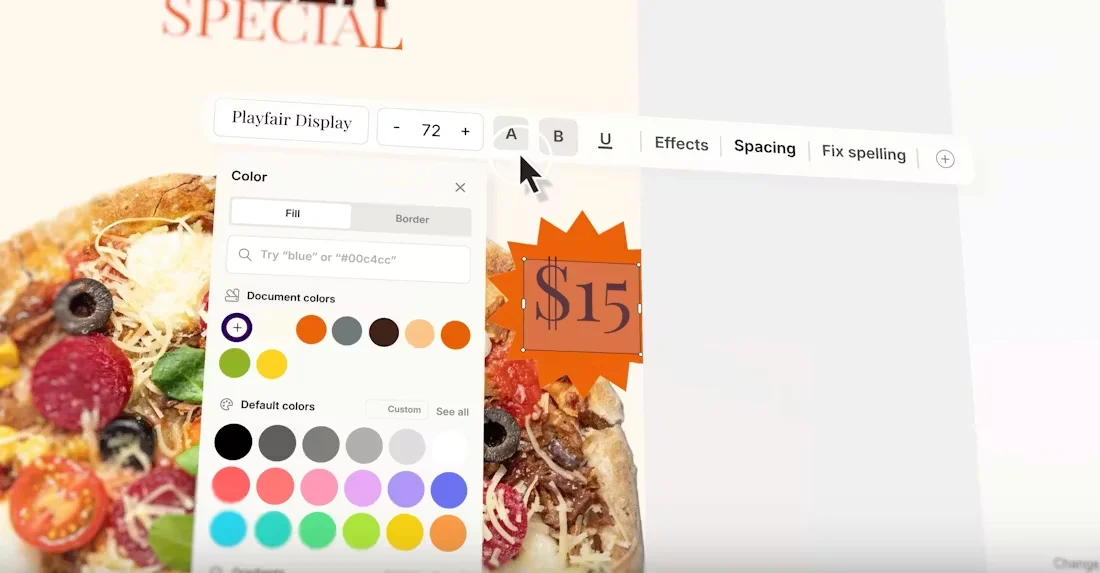
One of the biggest frustrations with current generative design tools is that iteration often breaks down after the first result. You get something visually interesting, but changing small details becomes awkward or impossible without starting over.
Kodo is designed around solving that workflow problem. Instead of treating AI generation as the final step, the platform keeps designs flexible so users can continue refining layouts naturally without rebuilding everything from scratch.
The result is a much faster way to create visual content while still keeping full creative control over the final design.