


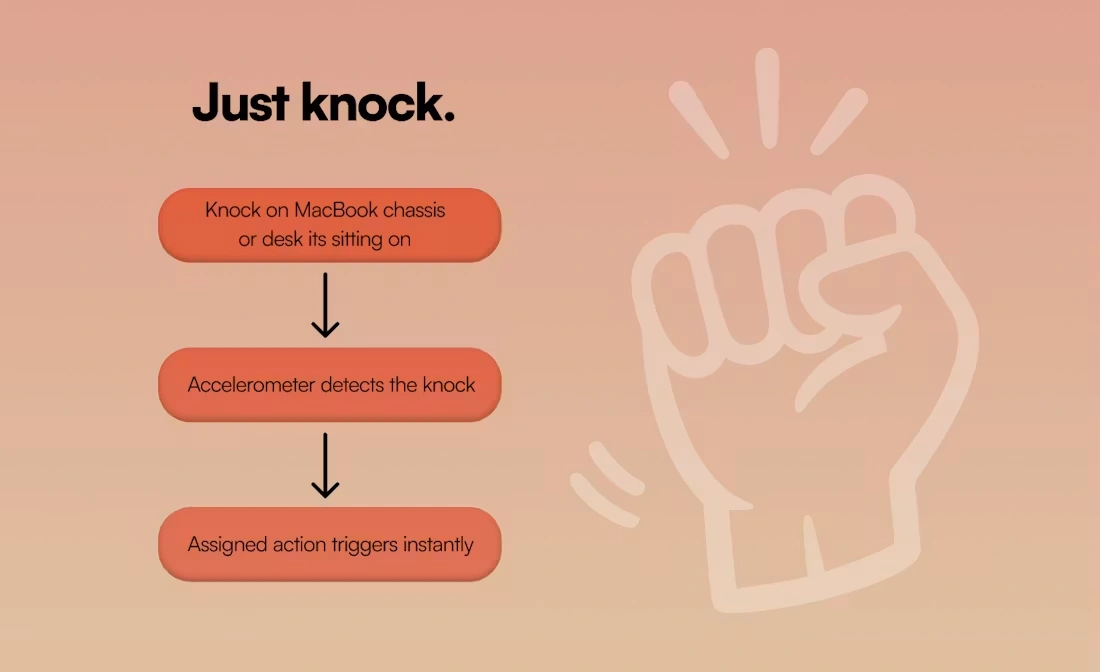
Knock is a macOS utility that turns physical taps or knocks on your MacBook into real system actions. Instead of relying only on keyboard shortcuts or trackpad gestures, it lets users trigger workflows by tapping the laptop chassis or the desk surface next to it, creating a more physical way of interacting with their machine.
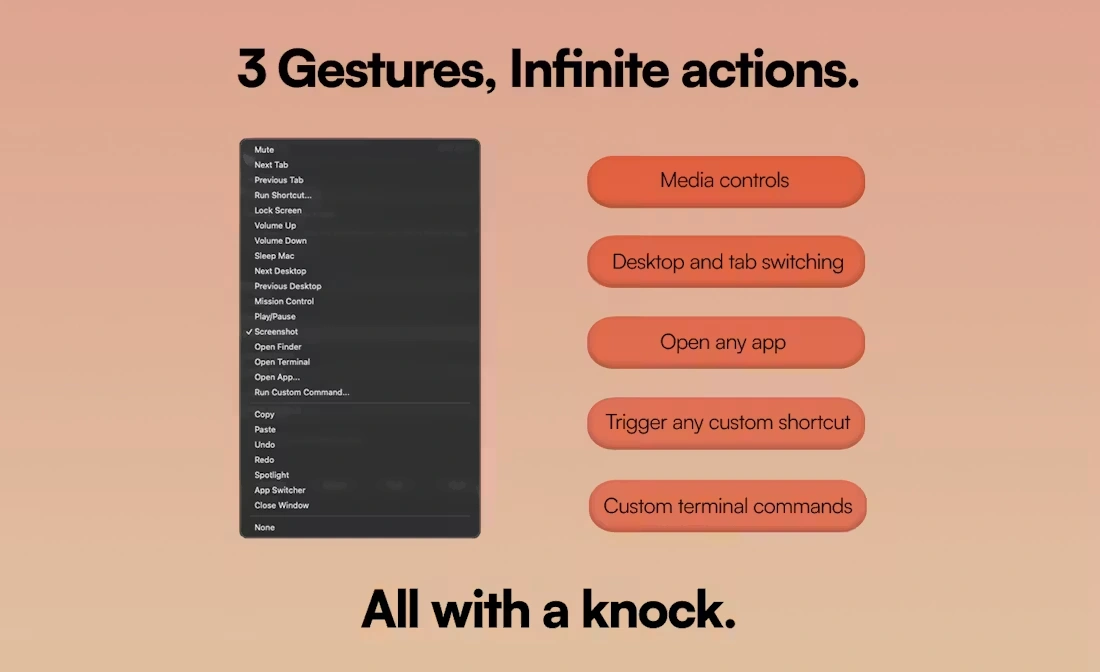
The app uses the built-in accelerometer in Apple Silicon MacBooks to detect motion patterns and map them to customizable actions. These actions can include switching desktops, controlling media playback, launching apps, running scripts, or taking screenshots, depending on how the user configures the system.
What makes Knock interesting is that it shifts interaction slightly out of the screen and into the physical environment. It is not trying to replace existing shortcuts, but to offer a faster alternative for repetitive actions where reaching for keys or menus feels unnecessary.
Over time, it becomes less about “using an app” and more about building a set of instinctive physical triggers that sit alongside traditional input methods, especially for users who spend long hours working on a MacBook.