

Boom is a Mac video presentation app built for people who spend a lot of time teaching, demoing, recording tutorials, or presenting live on camera.
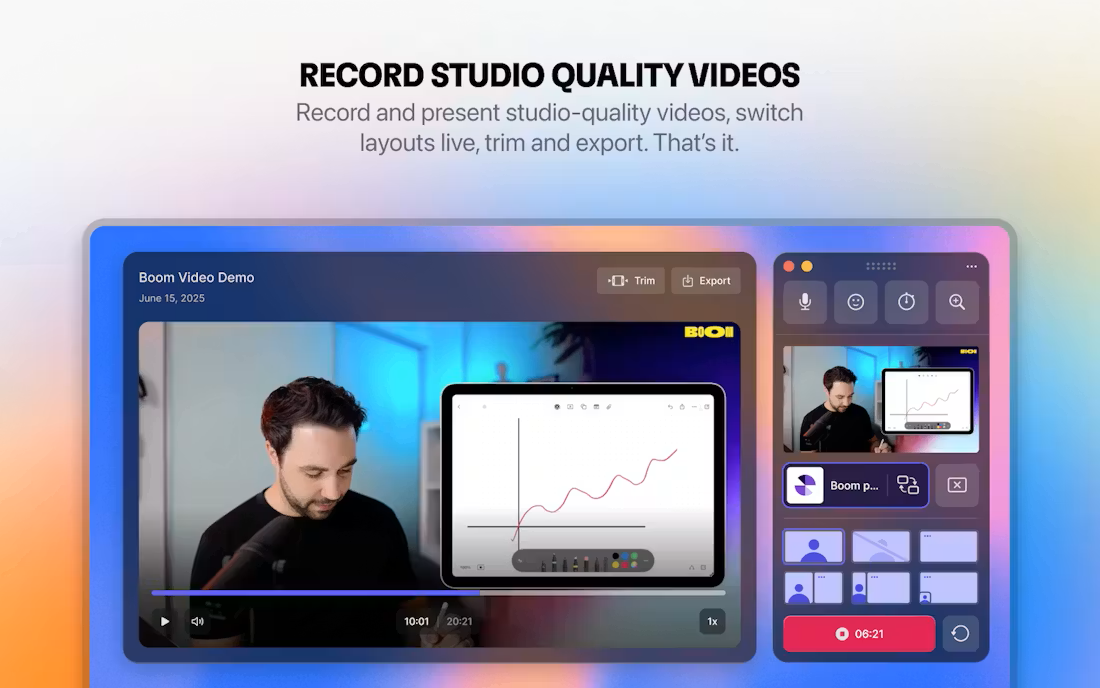
Instead of recording first and editing later, Boom is designed around producing finished-looking video in real time. Layouts, transitions, camera framing, screen sharing, overlays, and scene switching all happen during the presentation itself, so the recording is effectively done the moment you stop talking.
That makes it feel closer to a live production tool than a traditional screen recorder.
What it includes
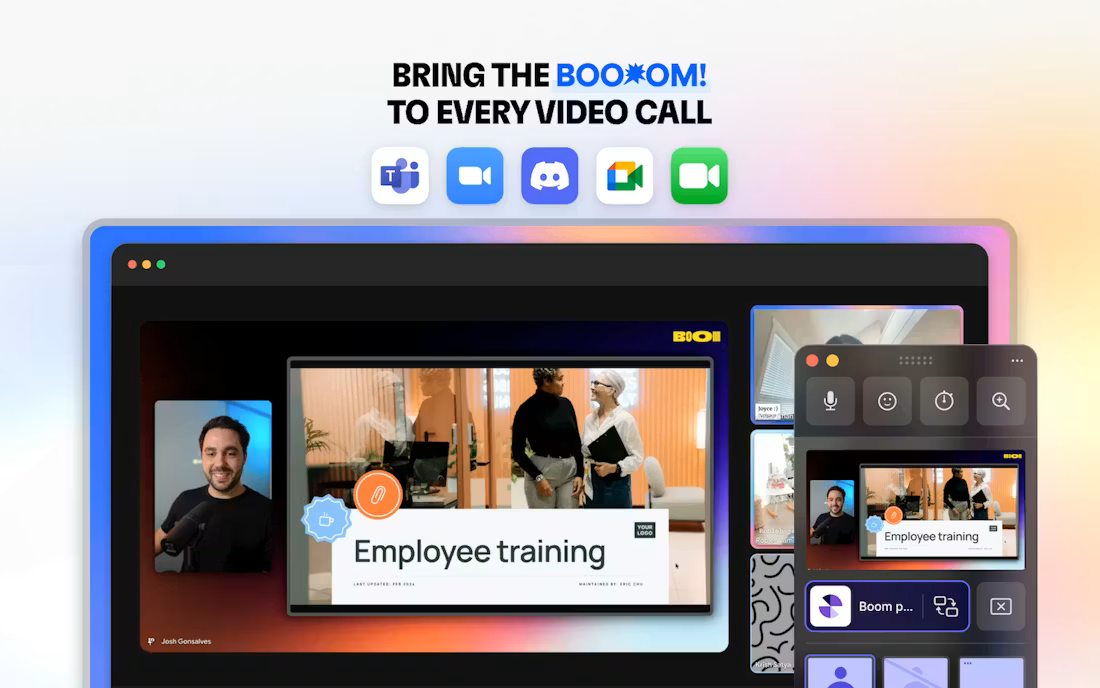
- Live presentation layouts for Zoom, Meet, and Teams
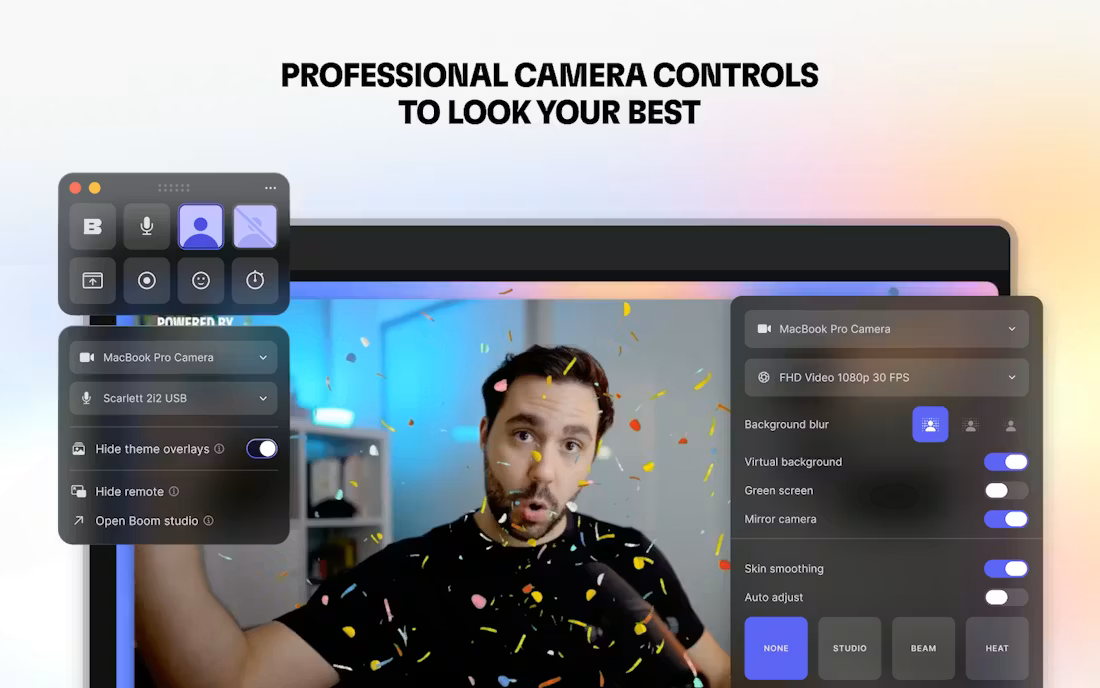
- Screen recording with built-in webcam enhancements
- Cinematic transitions and scene switching
- Virtual camera support
- Stream Deck integration
- Recording workflows without timeline editing
The app is positioned as an easier and more visually polished alternative to OBS, especially for creators who want professional-looking output without building complicated streaming setups.
Who it’s for
Boom feels particularly aimed at:
- coaches and educators
- solo creators
- startup founders
- product demo workflows
- online course recording
- presentation-heavy remote work
A lot of video tools assume users are comfortable with post-production timelines, editing software, and layered production setups. Boom tries to collapse those steps into a much more immediate workflow where the presentation itself becomes the production process.